
The Photoshop plugin for faster editing
Retouch faster.Keep your signature look.
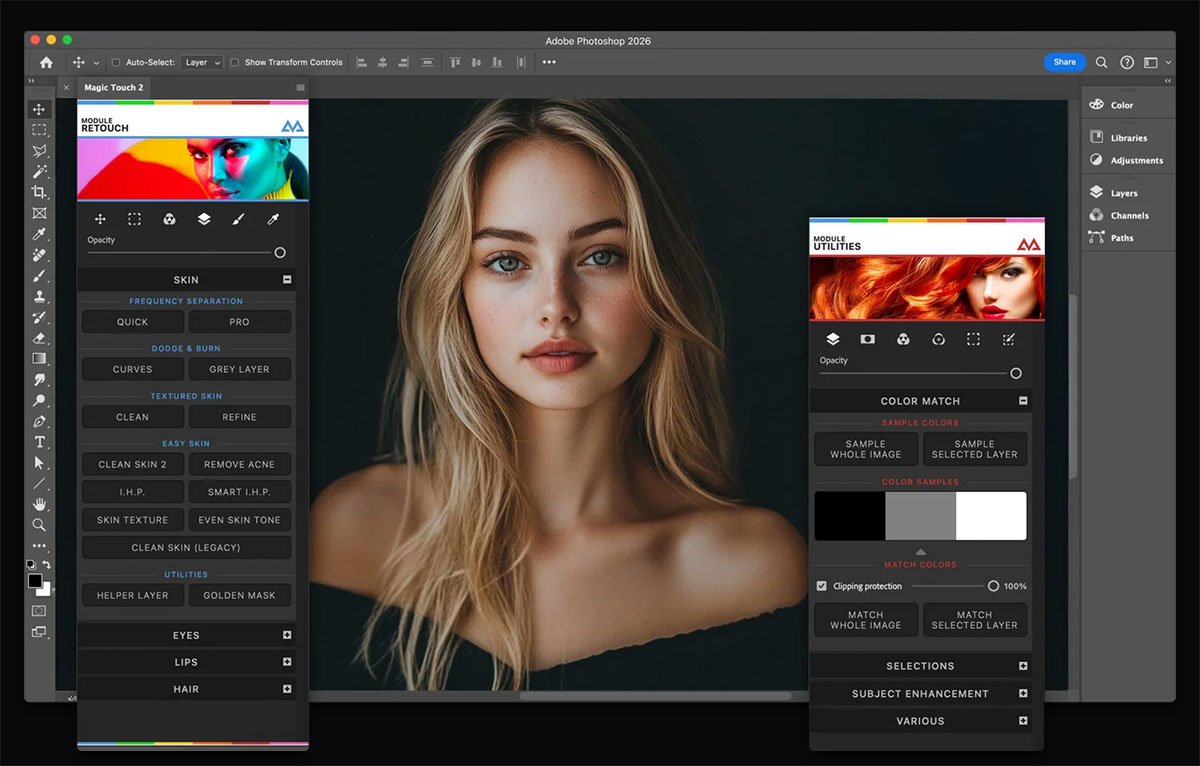
Clean up skin, refine portraits, and shape your colors with dedicated tools inside Photoshop. Spend less time on repetitive editing steps and more on the details that make your work yours.
- One-time payment
- No subscription
- Mac & Windows
Made for creative work
Trusted by creatives behind the work.
Magic Touch is used by creatives who have worked on projects for brands including:


One payment. Unlimited edits. Your creative control.
Get Magic TouchCreative Magic Panel
Your whole retouching flow, one click away.
More time for the creative decisions. Less time buried in repetitive steps.
 AI assisted
AI face & body tools
Refine facial features with quick, focused controls inside Photoshop.
 Skin retouch
Beautiful skin, naturally
Clean up skin quickly while keeping the portrait looking like a person.
 Color tools
Color with your signature
Shape the mood with flexible grading tools and ready-to-use looks.
 Creative finish
Looks & fluid overlays
Add atmosphere and finishing touches without breaking your flow.
 Precise control
Selections & quick actions
Get to common edits faster, with the control to make each result yours.
 Color Match
Transfer colors from one image to another to create a consistent look.
 Image corrections
Corrections
Fine-tune your images with tools for a polished finish.
 Precise selections
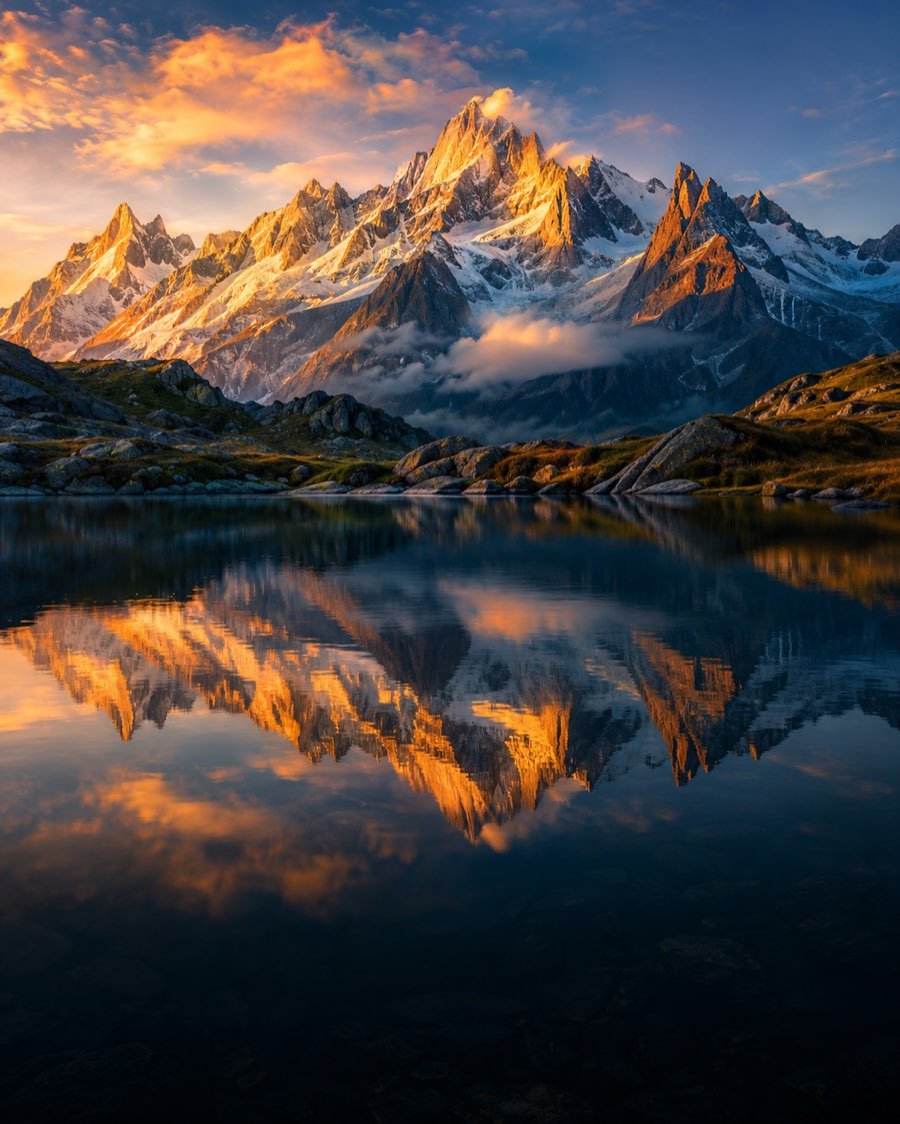
Luminosity Masks
Target highlights, midtones, or shadows for more precise adjustments.
The tools behind your creativity
Professional tools. Your creative control.
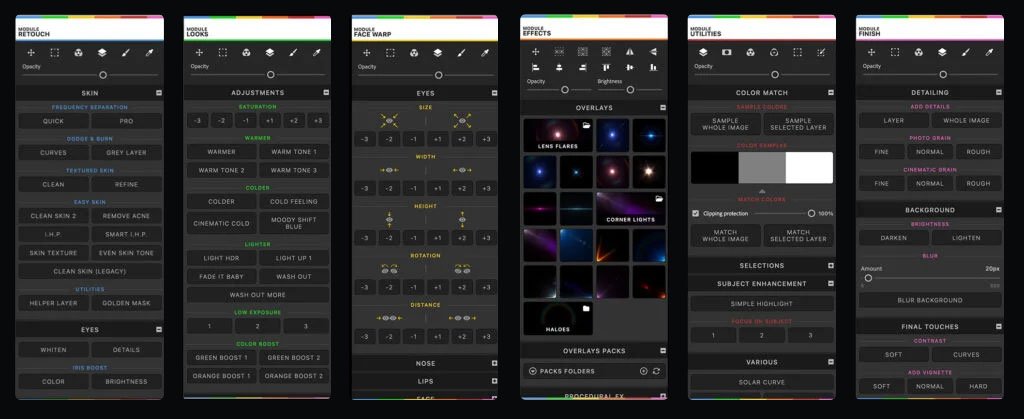
From skin retouching and frequency separation to color grading and creative effects, Magic Touch brings your essential Photoshop tools together.

Available in 6 languages: English · Portuguese · French · Italian · German · Spanish
From the creative community
Made for the work you love.
A few words from people using Magic Touch.
Thank you so much for updating for the M1 users. Your panel is just awesome 🙌
I just bought it. I thought it would work fine but this exceeds all my expectations. I congratulate you for the work you have done and thank you very much. greetings from Argentina!
Made for your creative workflow
More ways to make each image yours.
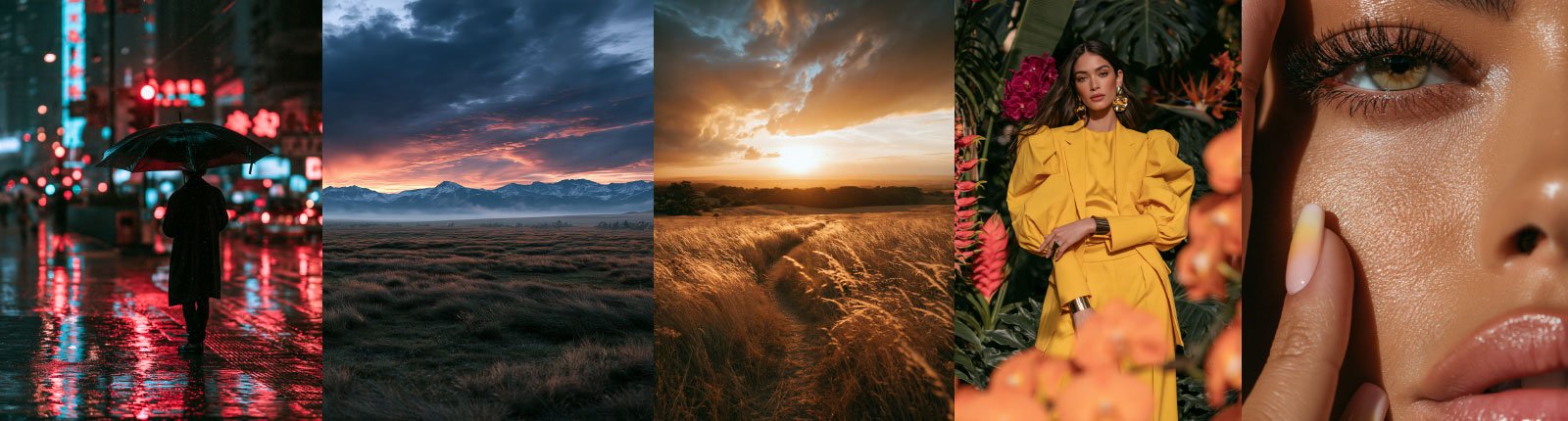
Start with creative looks, simplify your editing steps, and refine the details that matter.

Find your look faster.
Apply ready-to-use looks and overlays, then make the result your own.

Spend less time on settings.
Let Magic Touch handle the setup for common editing steps so you can focus on your image.

Refine skin with care.
Clean up skin and work on details in high-resolution portraits with dedicated retouching tools.
Your vision, your style
A faster workflow. A look that’s yours.
From subtle portraits to expressive color, Magic Touch helps you move through repetitive steps while keeping you in control of the final result.


